2019…2026
Icons8 web app
The search engine for 1.5M icons. The highest-revenue product in the Icons8 ecosystem. 5M+ monthly active users


Intro
Icons8 is a bootstrapped, profitable company that produces nearly all its design assets in-house. The Icons web app is the core of the ecosystem: the largest library of consistent icons in the world, 45+ styles, used by designers, developers, and everyone in between.
I'm the sole designer – I own brand identity and UI/UX. I've redesigned the product from the ground up multiple times as the library grew from thousands to 1.5M assets. The team runs user research every couple of seasons; I turn those insights into UX decisions.
Core flow
The main user journey in 4 blocks: how someone goes from a need ("I need a bird icon") to a downloaded file.
Search
Everything starts here. The search bar handles 1.5M assets and needs to feel instant.

Filters
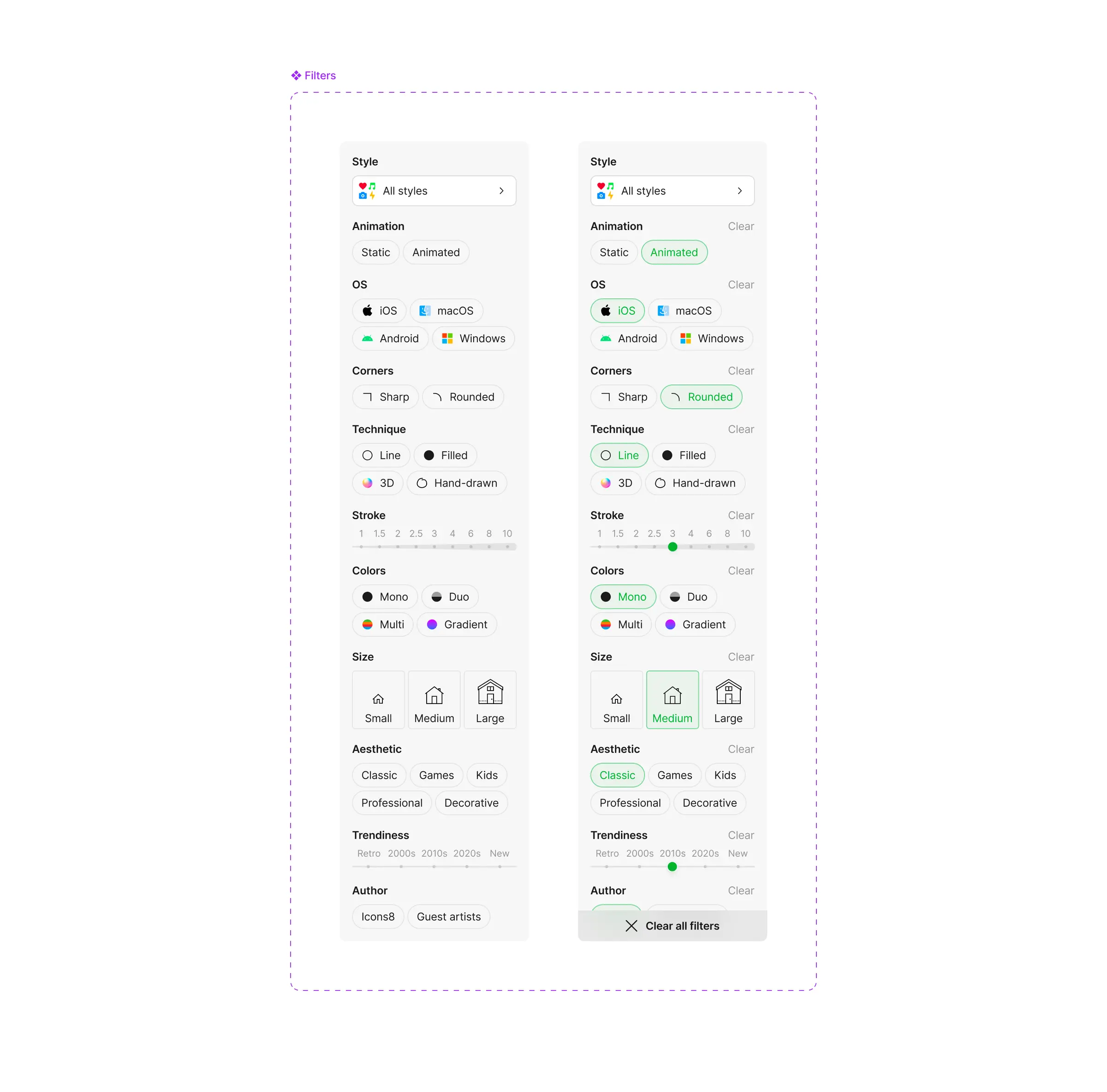
45+ styles, multiple OS targets, varying line weights and colors – keyword search alone wasn't enough. Filters narrow results by style pack, platform, line weight, color mode, and more.
Accordion
The main way to browse results. As the library grew, a flat list stopped working – the accordion organizes results into collapsible groups so users can scan through styles and categories without losing context.
Download popup
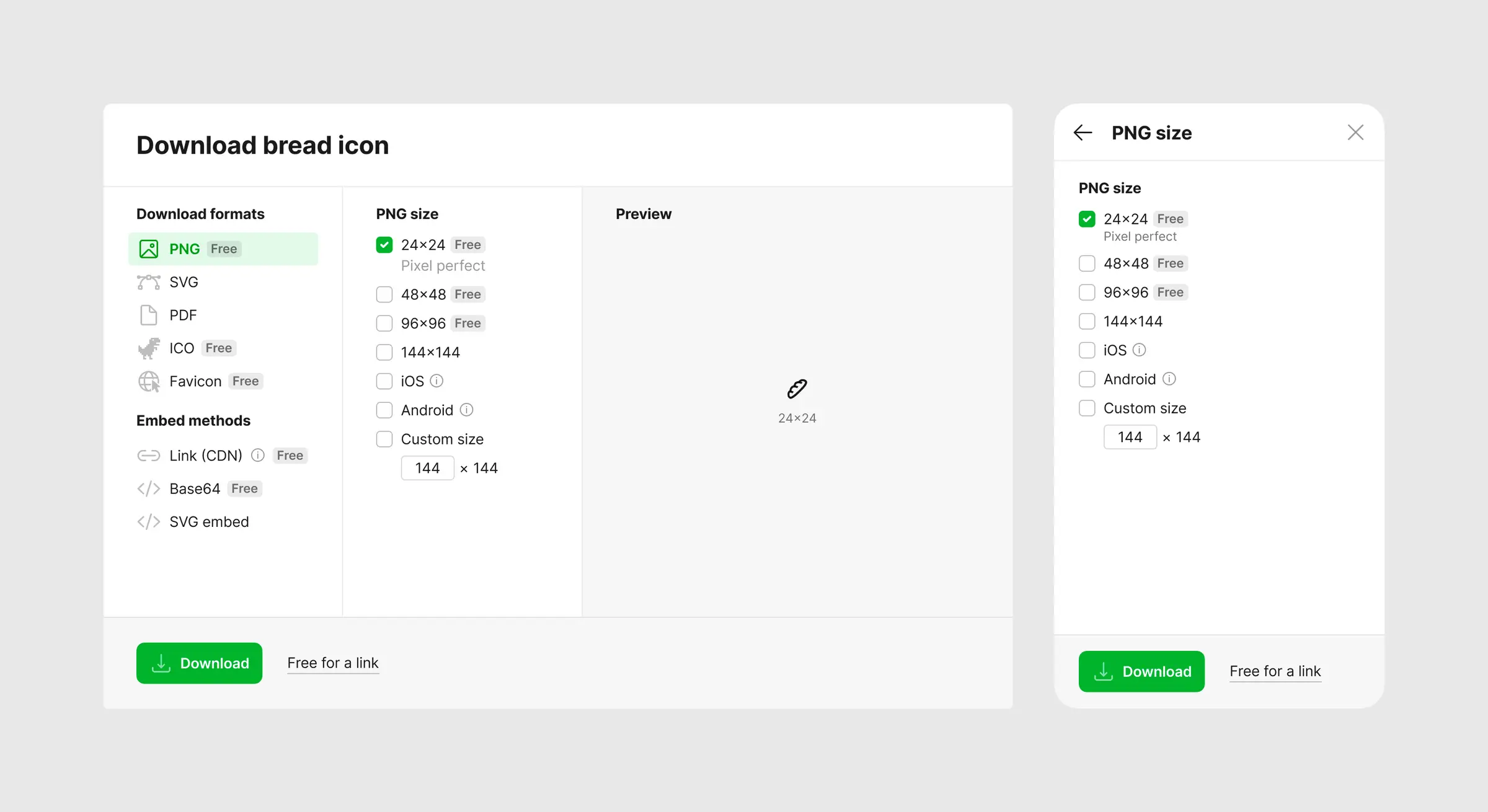
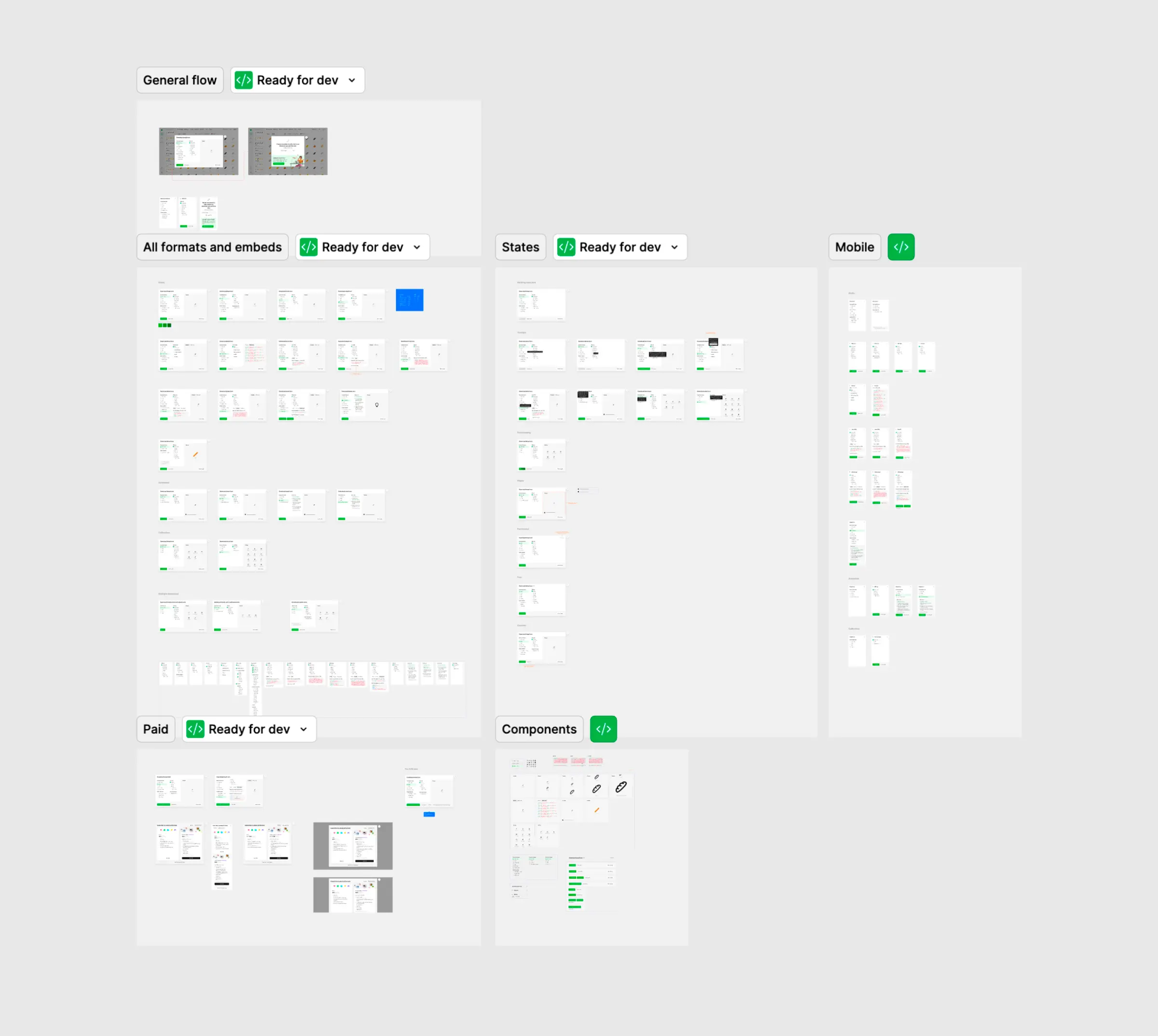
SVG, PNG, PDF, GIF, Lottie, After Effects – dozens of formats and sizes. The challenge: give access to all of this without overwhelming someone who just wants a 24px PNG. Smart defaults handle the common case; everything else is one click away.
Features
Beyond the main flow – features that make the product sticky for professionals who come back daily.
Collections
Organize icons by project. Create a collection, add icons as you browse. Simple for those who use it, invisible to those who don't.

Hotkeys
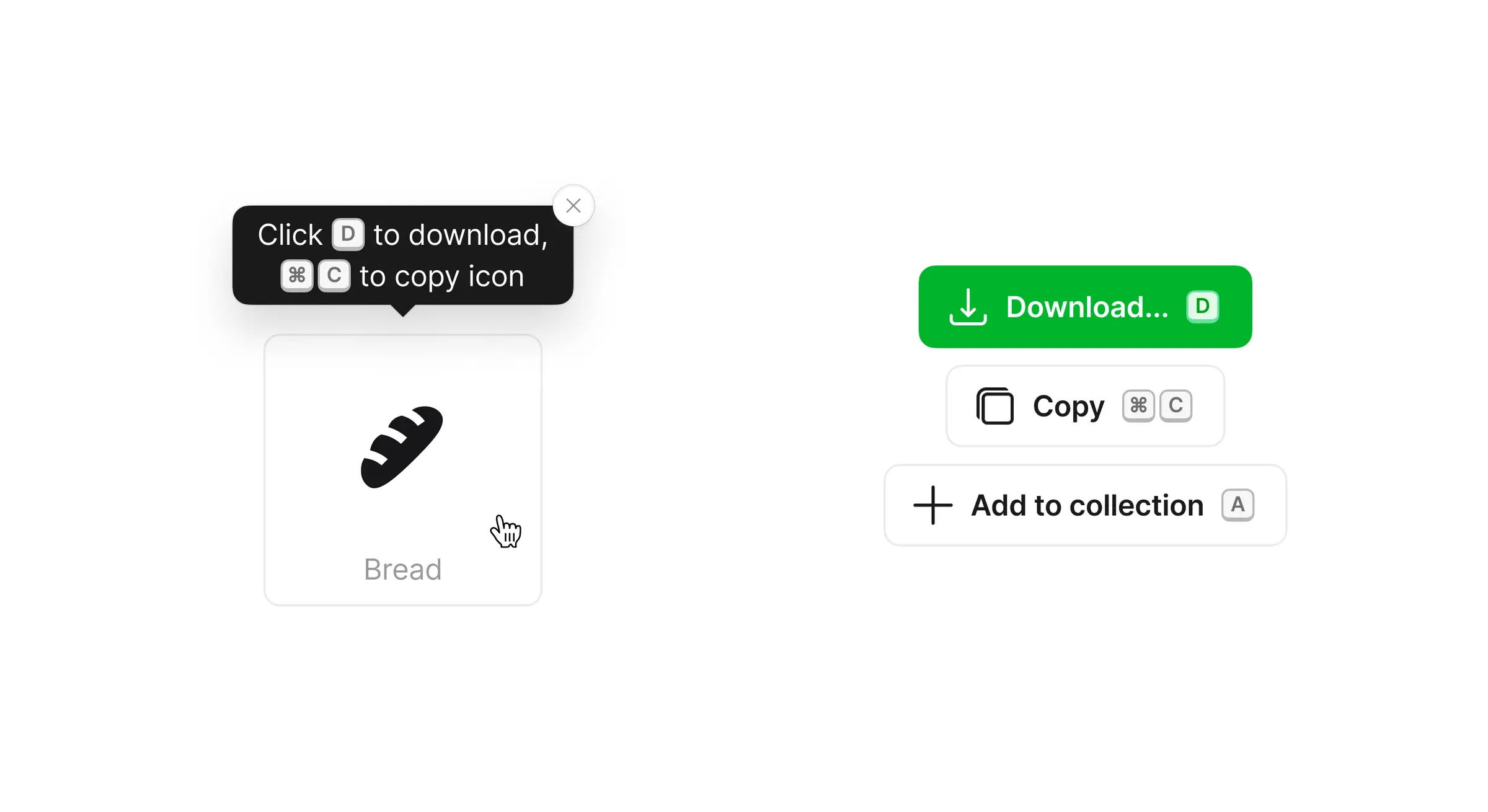
Download, copy, add to collection – all from the keyboard. Turns browse-and-click into a fast workflow.
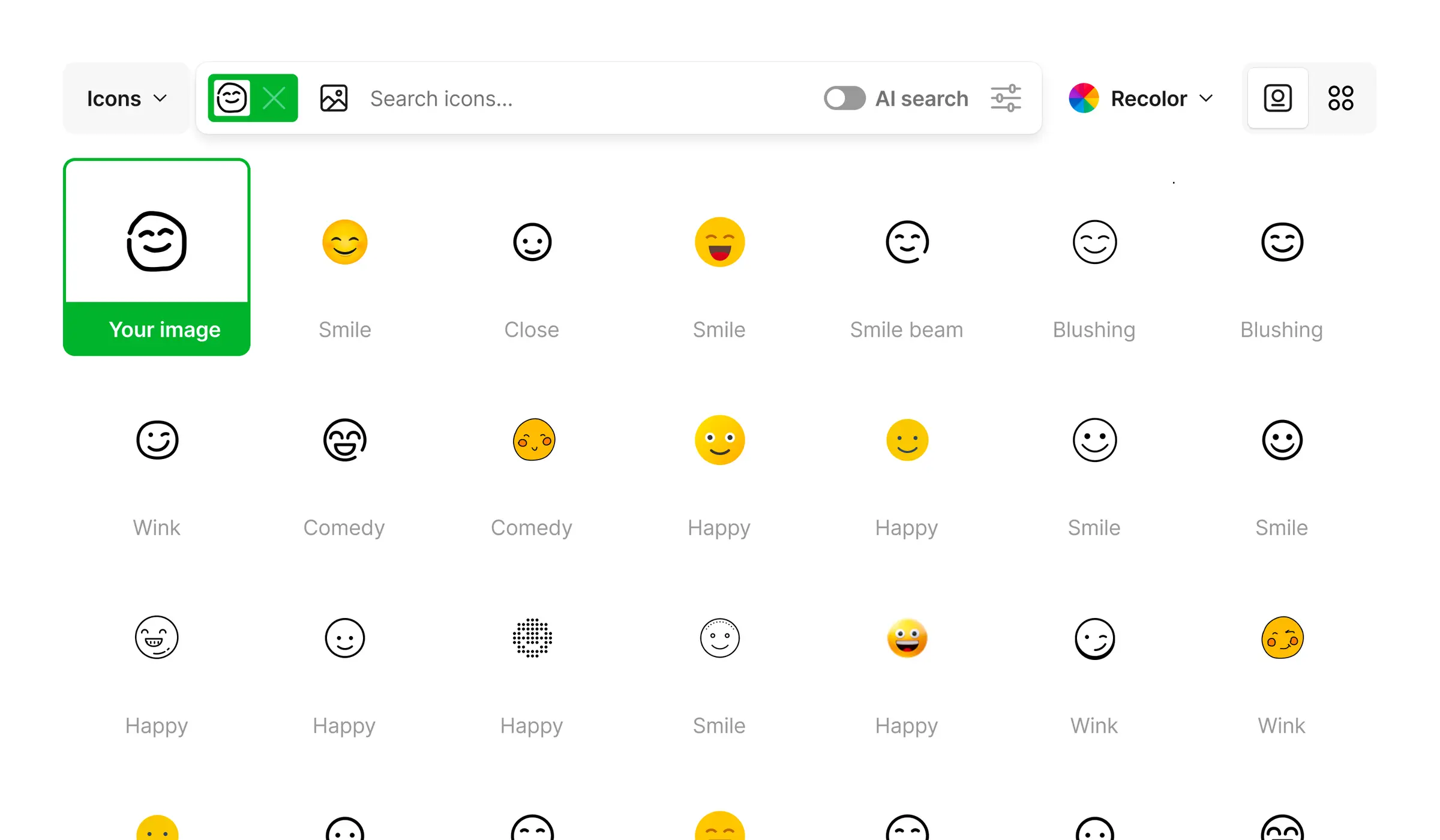
Search by image
You know what you want but can't describe it. Upload a sketch, screenshot, or photo – the app finds matching icons.
Pages
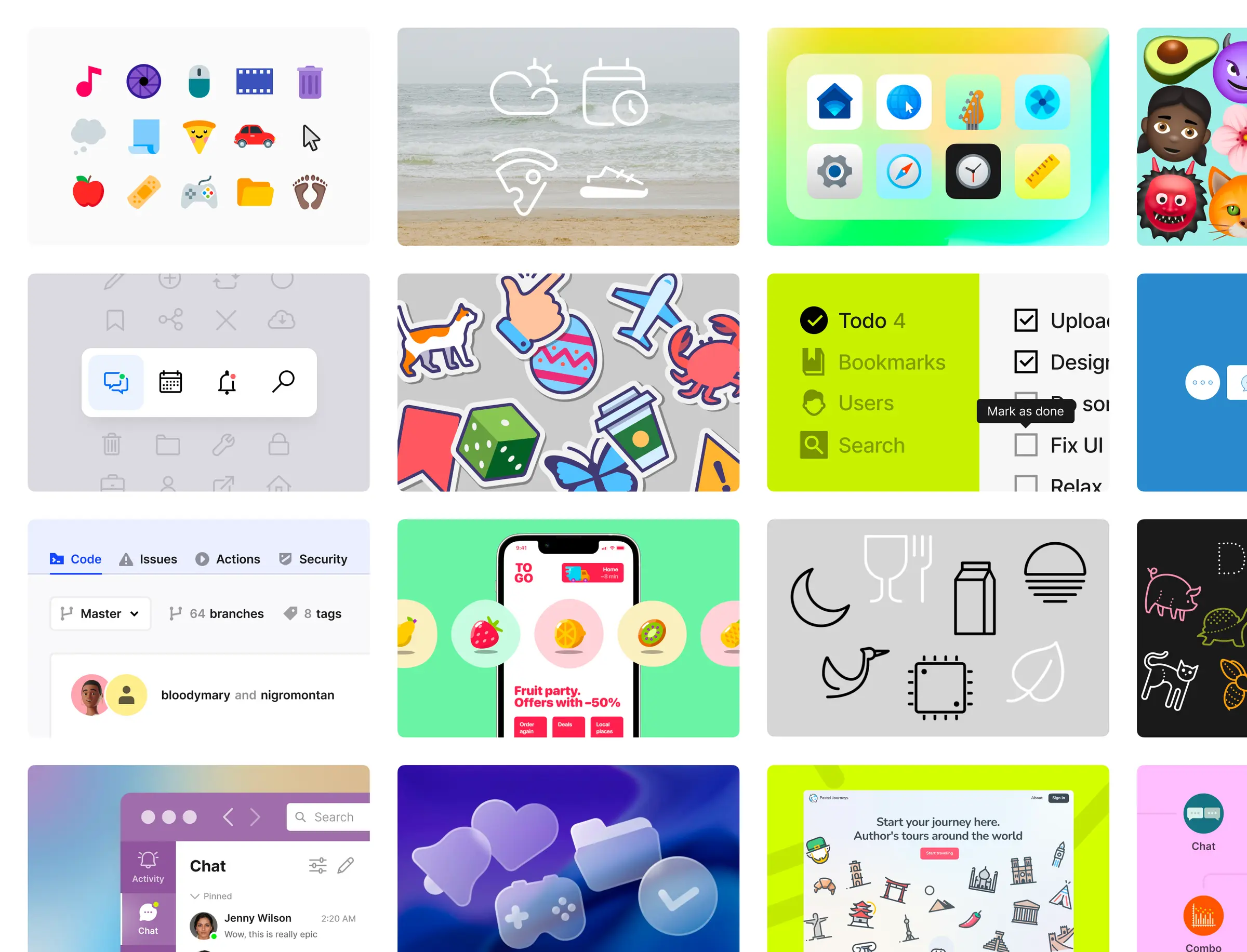
Standalone surfaces beyond the main search flow – each with its own layout and purpose.
Icon page
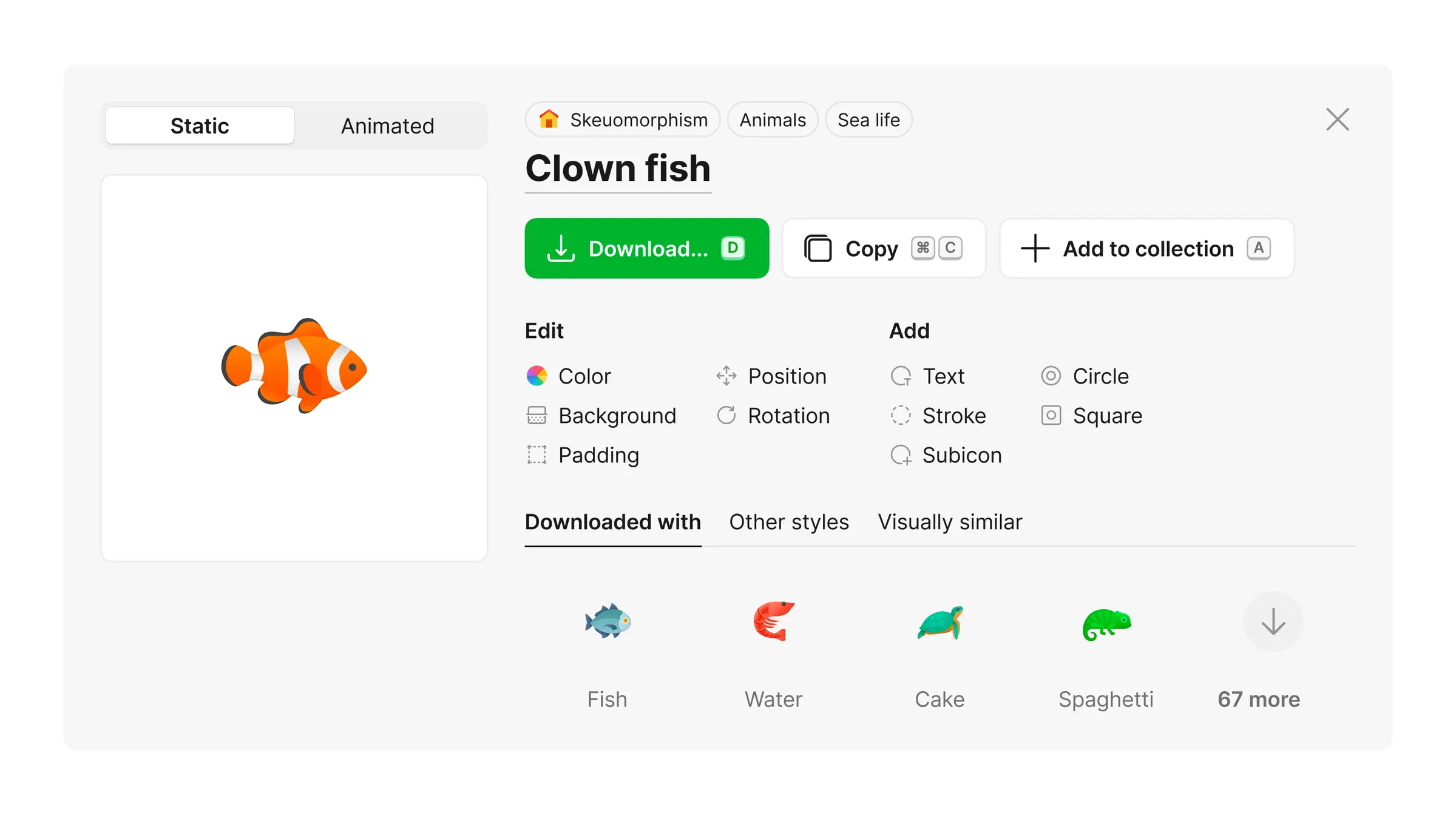
A dedicated page for each icon – previews on different device surfaces, related icons, available styles. Most users find icons through search and download from there, but the icon page is the deep-dive view and a major landing page from Google.

Style page
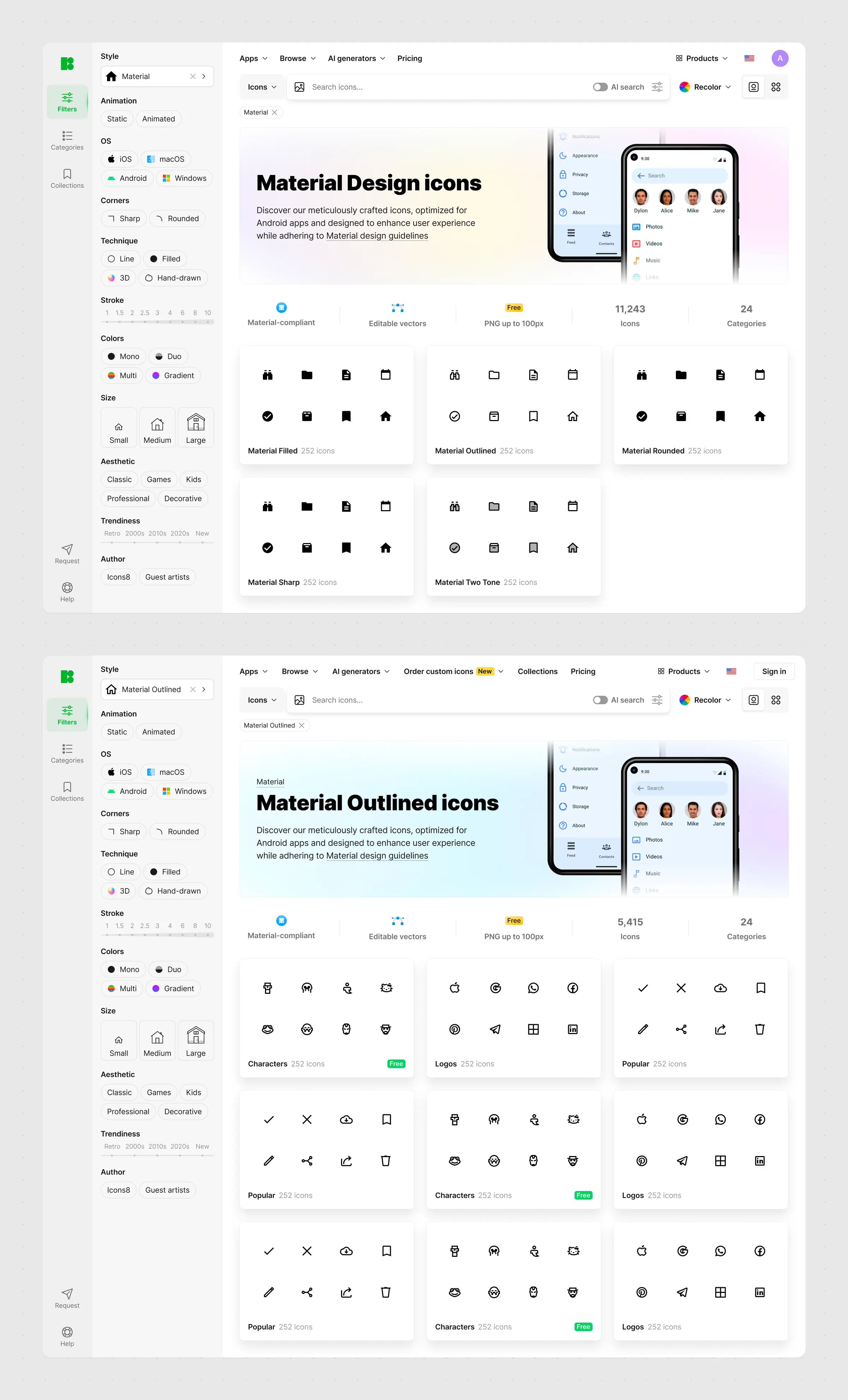
Entry point for exploring complete style packs – Liquid Glass, iOS 17, Windows 11 Color, 3D Fluency, and dozens more. Preview grid + categories, so you can evaluate a pack at a glance.
Icons web app is the product I've been shaping the longest. It keeps evolving – and so do I.