 Product of the Dayon Product Hunt
2025
Icons8 MCP
Designed and launched an MCP server that brings icons into AI coding tools

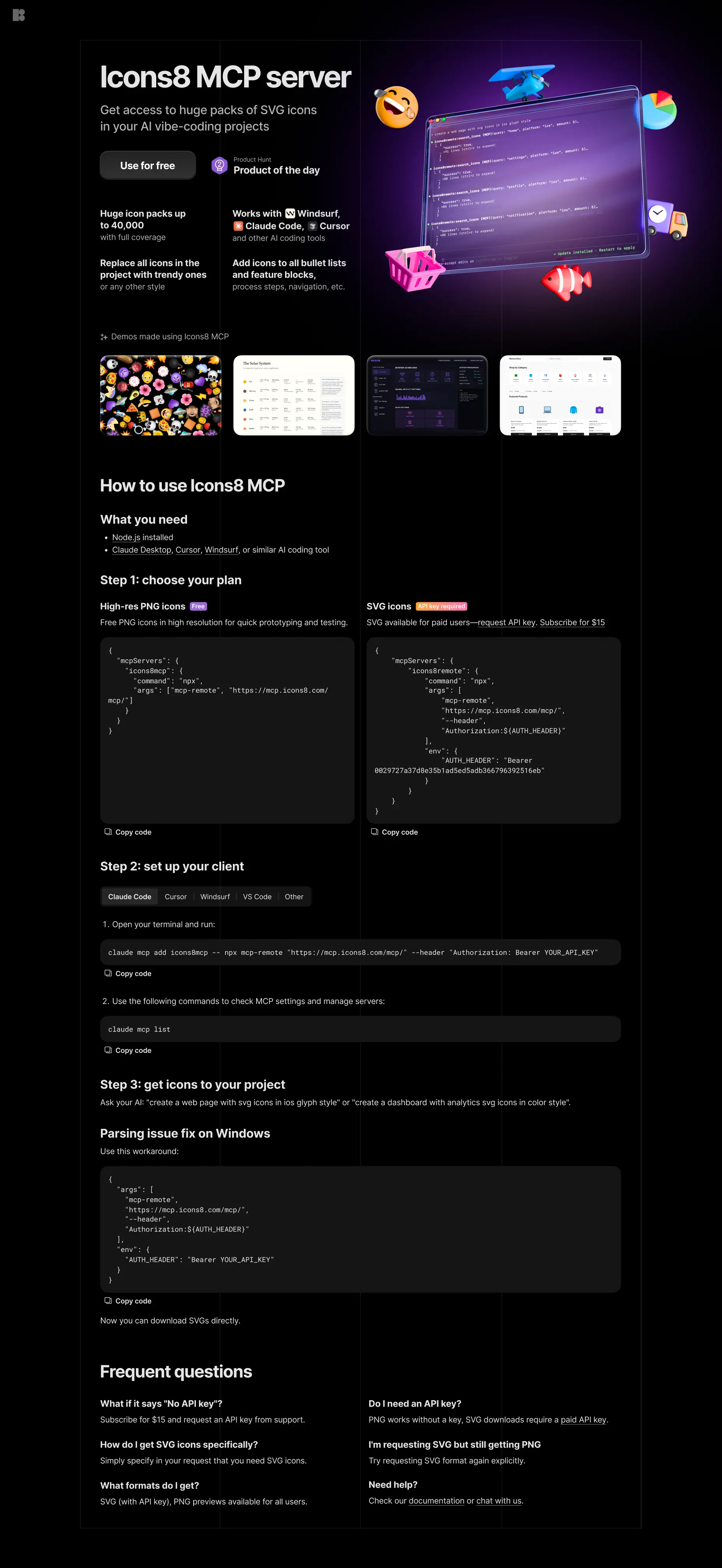
Overview
In 2025, MCP servers (Model Context Protocol) took off in AI coding tools. We moved fast and packaged our icon library into an MCP integration so designers and devs could pull Icons8 assets directly from tools like Cursor, Claude, and Windsurf, without leaving their workflow.
If you haven’t used it before: MCP is a way for AI assistants to connect to external tools and data sources. In practice, it lets you request icons right in chat and get usable files back in seconds.
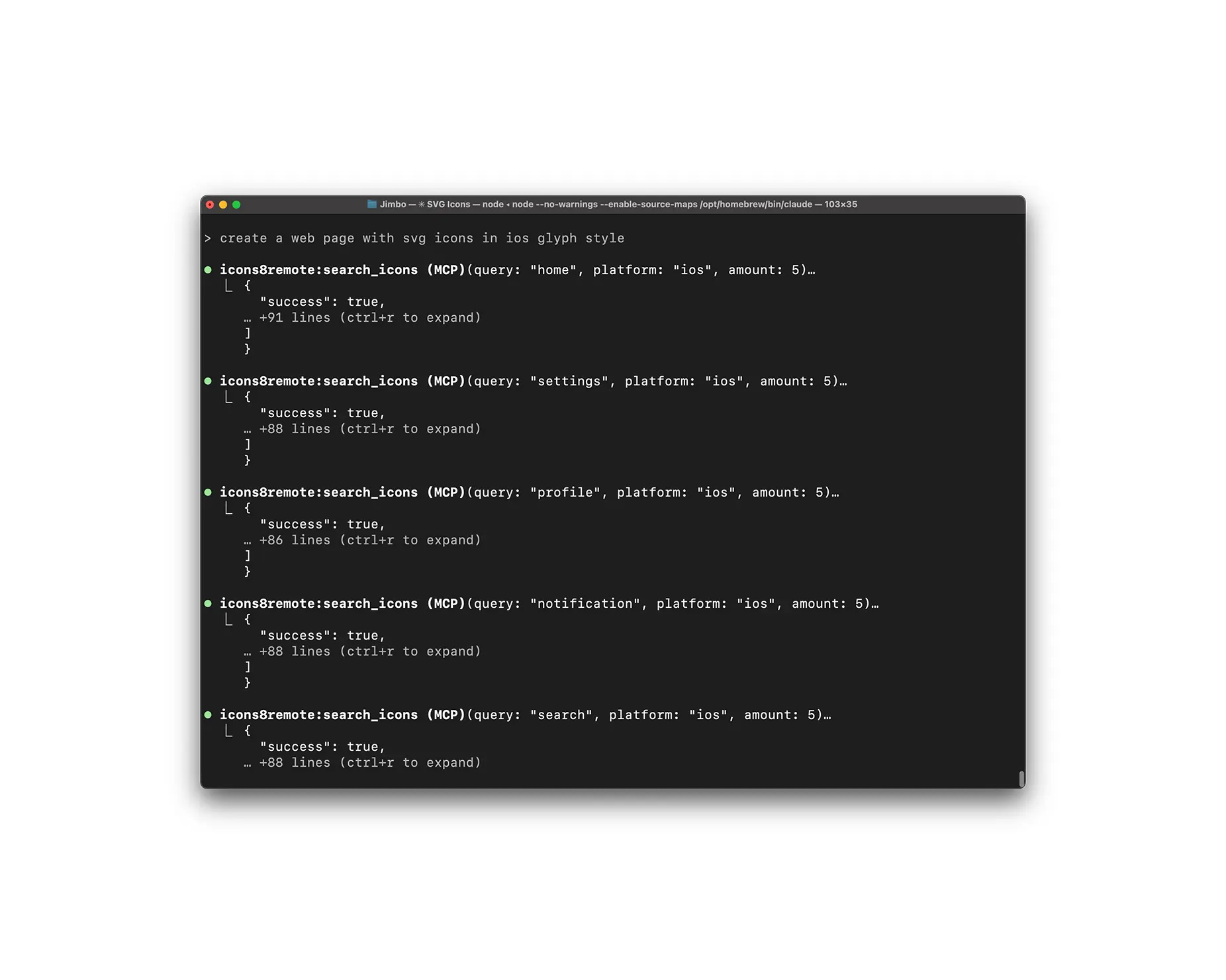
Icons8 MCP in Claude Code
My role
Even though this wasn’t a UI-heavy product, I led the launch work end to end:
- designed and built the landing page (layout, visuals, copy, implementation)
- owned the Product Hunt launch:
- outreach to Product Hunt community and supporters
- launch graphics and art direction
- release video art direction (storyboard → assets → final output)
The challenge
This was a new category with unfamiliar vocabulary, and the product itself didn’t have a “classic UI” – it lived inside other tools. That meant the landing page and launch story had to do most of the work: explain what MCP is, why it matters, and how to try it in minutes. The bar was high because the audience is impatient — if setup feels unclear, people bounce.
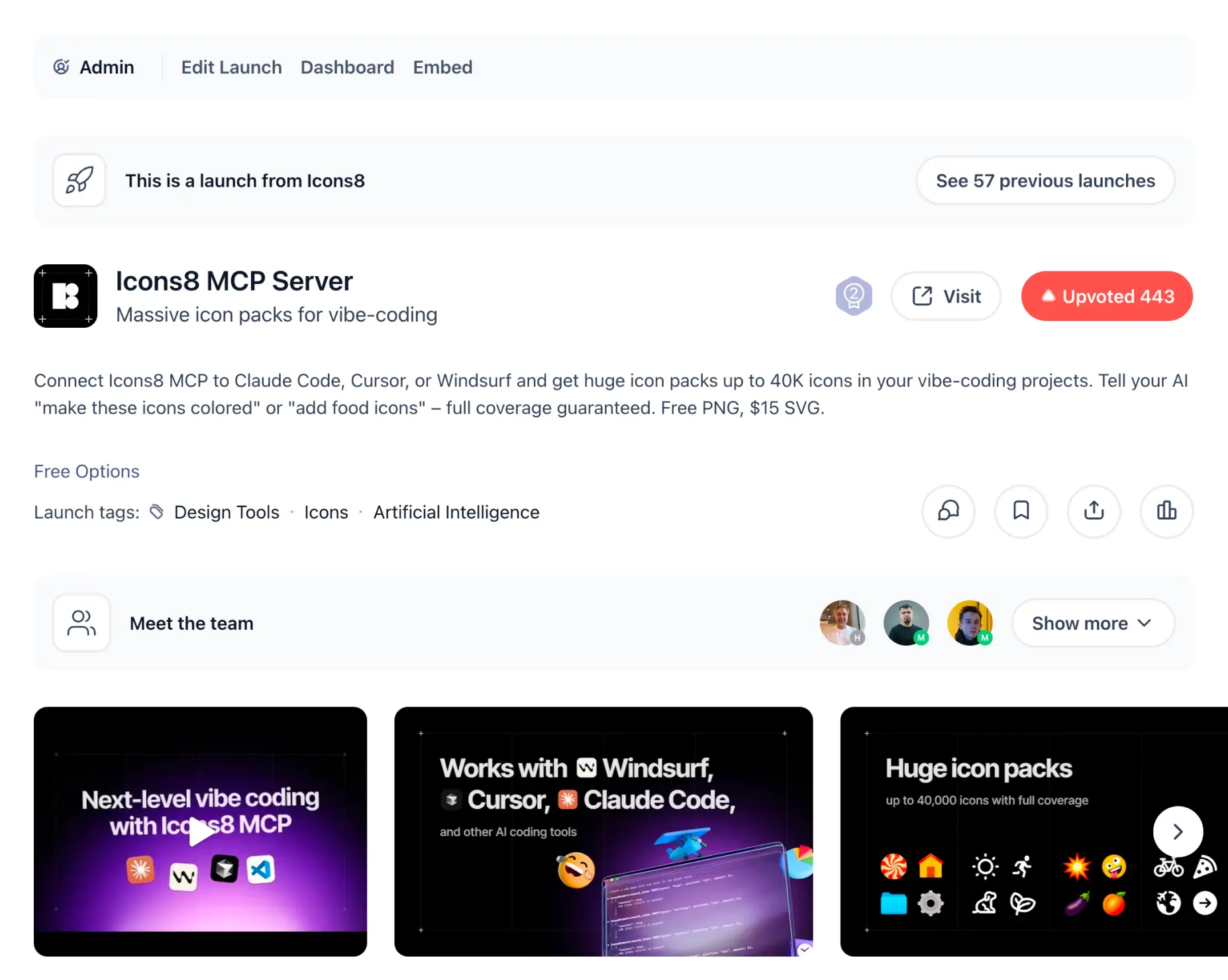
Launch page on Product Hunt
The approach
We led with the outcome, not the protocol: “get icons inside your AI coding tool” first, “powered by MCP” second. The page was designed around quick comprehension and fast activation: a clear promise, a simple path to first success, and visuals that show the workflow instead of selling it.
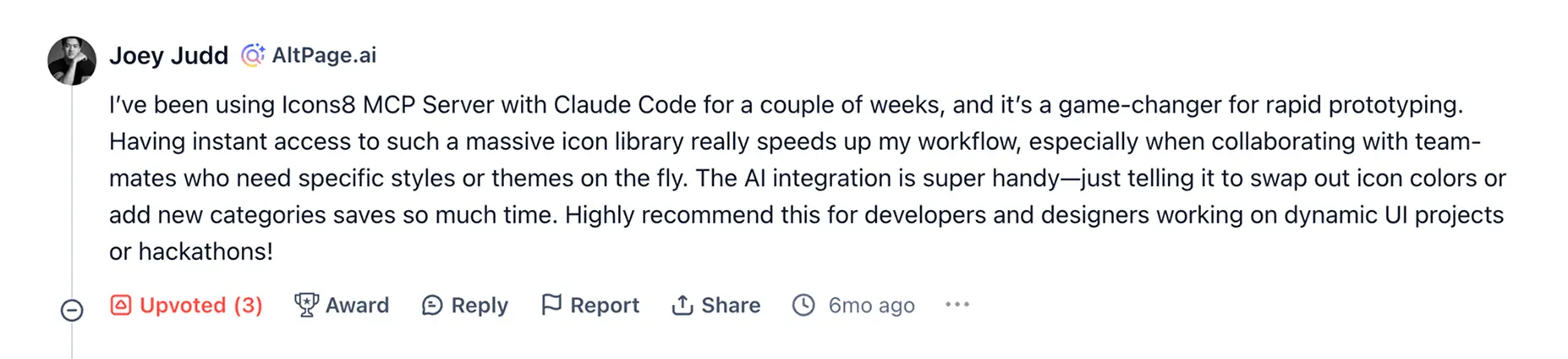

Results
Product of the Day #2 on Product Hunt
~7,000 users/day at peak
A noticeable reputation boost for the product and the team